Every marketing message on the WhatsApp Business API starts with an approved template. Rejections slow your campaigns down — here is how to avoid them.
Pick the right category
Choose Marketing, Utility or Authentication honestly. Mislabelled templates are the most common rejection reason.
Write like a human
Avoid ALL CAPS, spammy words and too many emojis. Clear, polite copy with your brand name gets approved faster.
Use variables correctly
Placeholders like a customer name must have example values submitted. Never start or end a template with a variable.
Add buttons
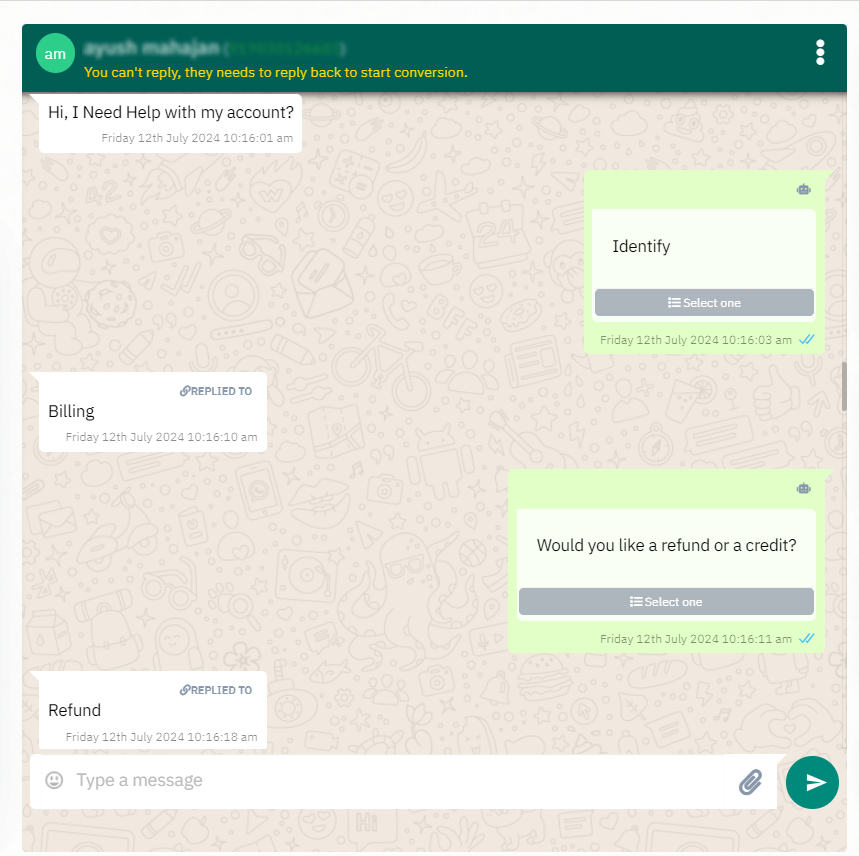
Quick-reply and call-to-action buttons not only convert better — they also make your intent clearer to reviewers.
Test with a small list first
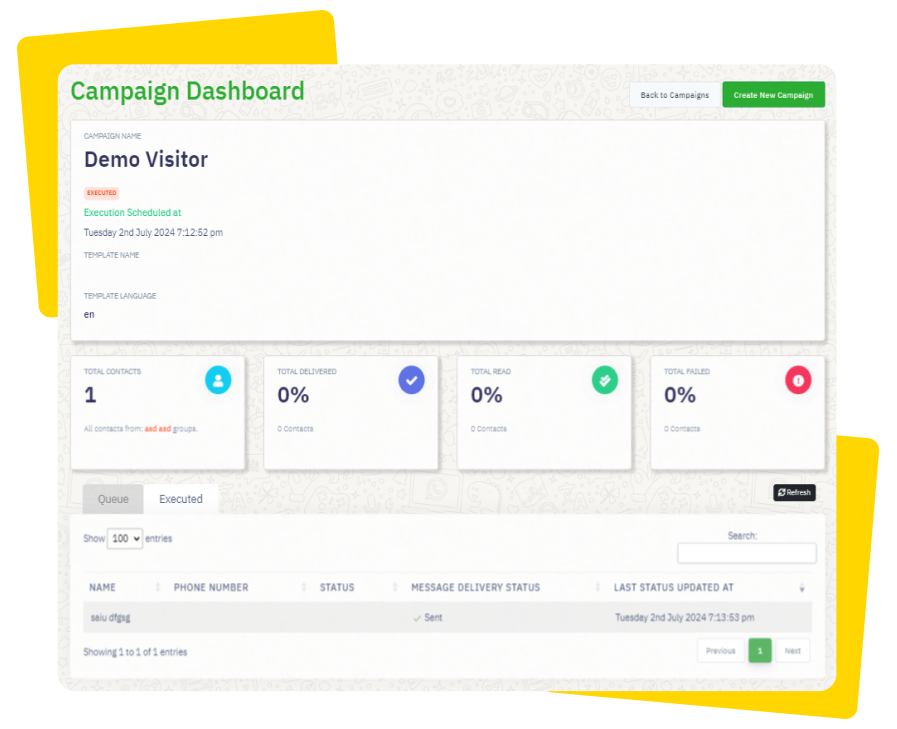
Once approved, send to a small segment and watch delivery quality before scaling to your full audience.
With our built-in template manager you can create, submit and track approvals without ever leaving the dashboard.